 PTT key stack
Assigned channel card
RX/TX overlay colors
PTT key stack
Assigned channel card
RX/TX overlay colors
Discord-linked radio for Star Citizen orgs
Serious Comms for Serious Orgs
Assigned radio nets, Org Link coalition channels, per-channel push-to-talk, and live admin assignment — with an overlay that shows transmit, receive, and net state while Star Citizen stays fullscreen.
Buy me a Beer
What it is: a Discord-linked radio client
How it works: admins assign nets in real time
Org Link: one controlled bridge channel for partner orgs
PTT key stack
Assigned channel card
RX/TX overlay colors
LEFT / BOTH / RIGHT
Per-net volume
Per-user audio panel
ACARS // OPS
Briefing in 5 minutes. Hold comms.
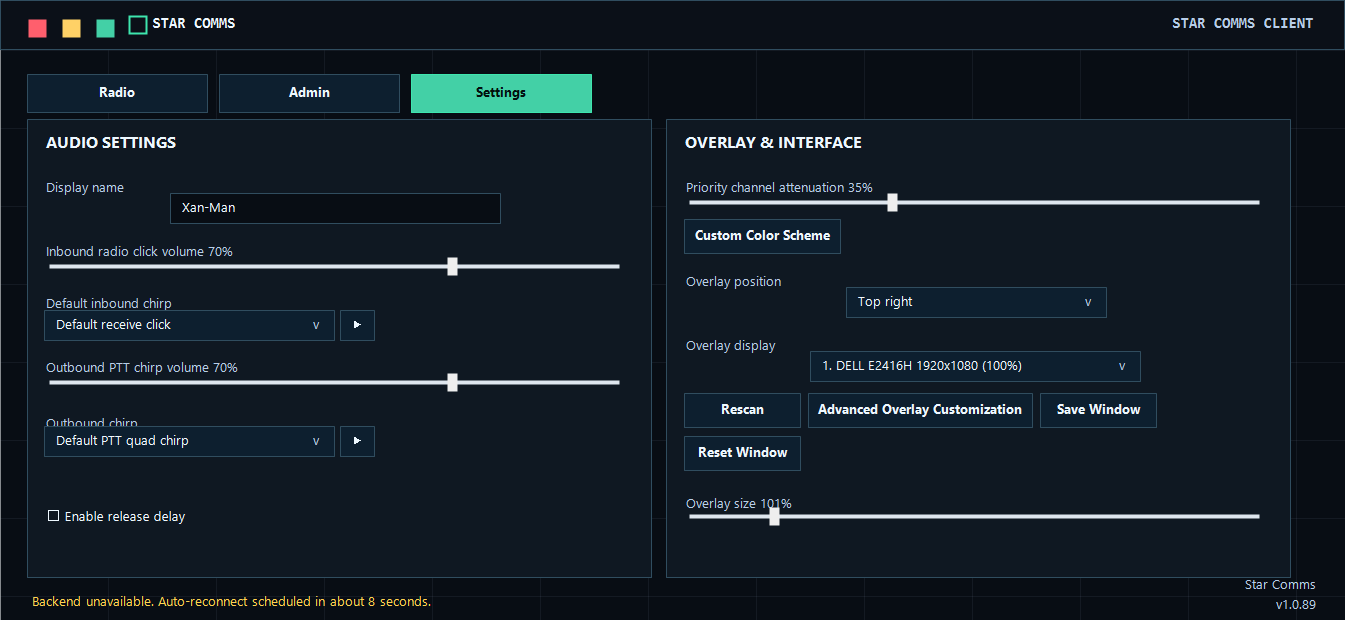
Chirp library
Receive static
Release delay
Priority net
Operator volume
Mic gain + test
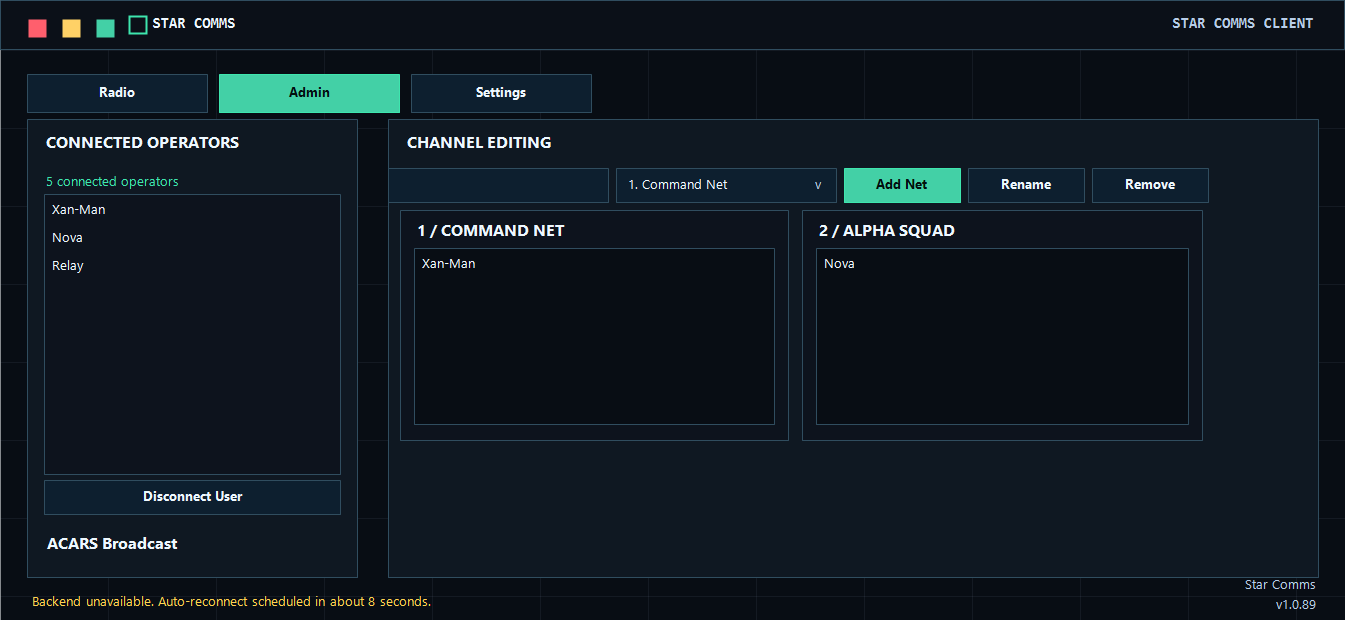 Connected operators
Assignment board
ACARS broadcast
Connected operators
Assignment board
ACARS broadcast
ORG LINK
HOSTING: 30K INC
Hosting org controls the bridge
One-channel guest view
No full roster bleed-through
Visitor sees one protected bridge channel


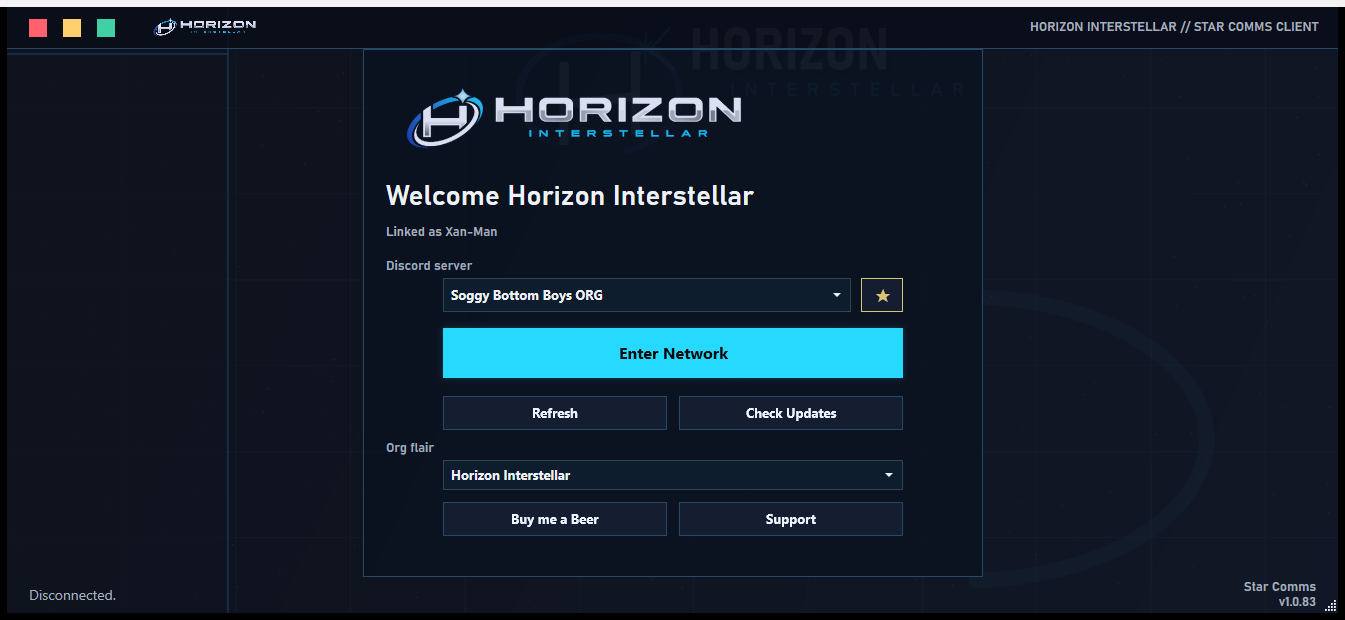
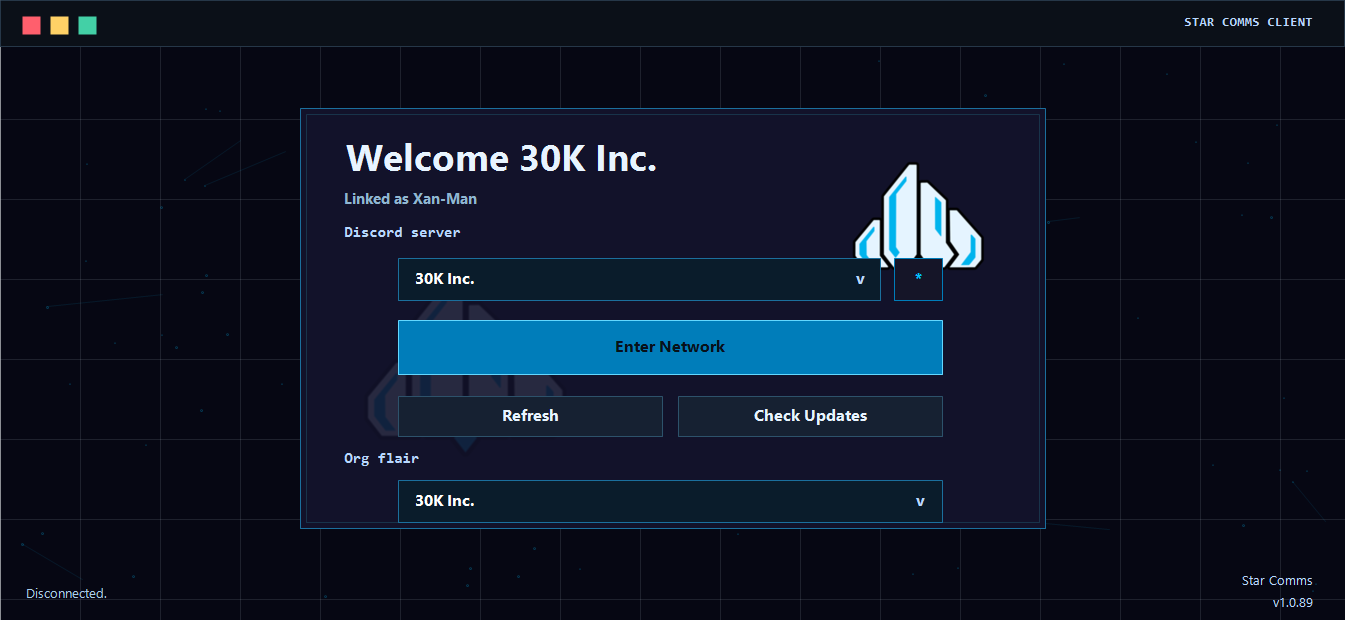
THEMED SUPPORT // DEFAULT + HORIZON + 30K INC
ADVANCED API INTEGRATION
scok_••••••••••••••••
Scoped owner keys
Shard-only controls
read:status · write:assignments · write:acars
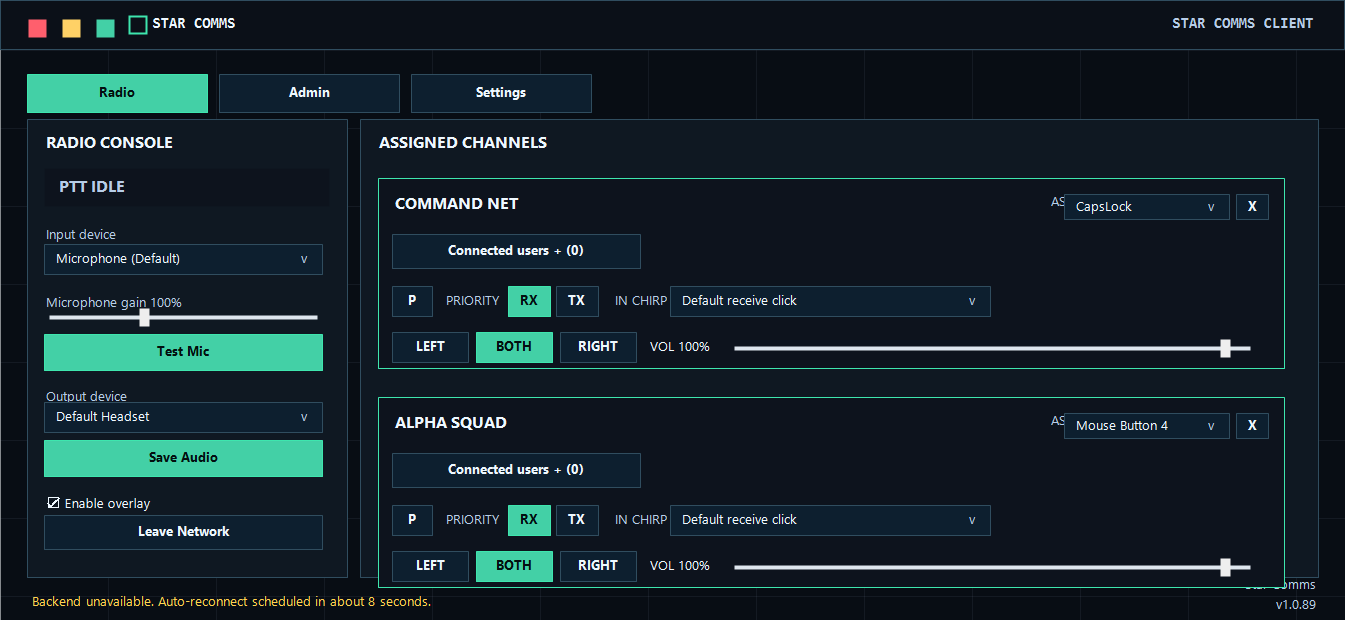
Every assigned net gets its own transmit key — keyboard, mouse, HOTAS, or button box. Key Command without leaving Alpha Squad. No channel hopping, no whisper lists.
Client Overview
Client walkthrough.
Tap Show Me to watch the real Star Comms interface walk through server selection, radio cards, Org Link, admin assignment, ACARS, shard controls, API keys, mobile pairing, and overlay settings. When the tour ends, the simulator unlocks so you can click around.
Assigned Channels
COMMAND NET
ASSIGNED
PRIORITY
IN CHIRP
VOL 82%
CONNECTED USERS (3)
Relay72%
USER AUDIO 72%
Nova100%
HSI Lead96%
ALPHA SQUAD
ASSIGNED
PRIORITY
IN CHIRP
VOL 70%
CONNECTED USERS (2)
Ridge88%
Mason91%
Channel Editing
Shard Admin
Dedicated shard features only. Changes here update the shard config without touching the normal channel assignment board.
Public net access rolesLeave every role unchecked to let everyone hear the public net. Check roles to restrict who auto-joins it.
Advanced API Integration
Create and manage API keys for this shard. Keys let bots, websites, and tools monitor your network and pre-assign channels.
Create a new key
PermissionsExisting keys
Copy this key now - it is shown only once.
scok_live_demo_key_9b3c...
Ops Dashboard
Status: ACTIVE id: key_7fd92
Permissions: read:status, read:roster, read:assignments
Audio Settings
PTT Timing
Overlay & Interface
Diagnostics
Mobile Remote
QR
Stop hopping Discord rooms mid-op.
Instead of whisper lists and voice-channel juggling, admins assign who belongs on each net. Members only see — and transmit on — the nets they are assigned to.
Separate nets, shared command
Put command, fireteams, escorts, logistics, and air support on their own nets while keeping a shared command channel when you need it.
One card per net
Each assigned net is a channel card with its own push-to-talk key, roster, volume, and left/right headset routing.
Live admin assignment
Admins place players on the right nets for the current operation, then move people as the fight changes.
How members use it during an op.
Only assigned nets appear. Each card has its own push-to-talk key, volume, headset side, and live state so players can make quick audio decisions without leaving the game.
Assigned Channels
Connected
COMMAND NET
USERS Nova, Relay, HSI Lead
ALPHA SQUAD
USERS Mason, Ardent, Ridge
AIR SUPPORT
USERS HSI Lead, Vector
What the client covers.
Pilots and ground teams only see the channels they are actively operating on.
Key Command, Assault, Air Wing, Logistics, or Medical without switching rooms — on keyboard, mouse, HOTAS, or button box.
Put one net in the left ear, another in the right, and keep command centered.
Transmission chirps, UHF/VHF static beds, and custom chirp folders for inbound and outbound cues.
Transmit auto-leveling and receive loudness control keep quiet mics audible and loud mics civil.
No microphone detected? Stay connected and keep listening instead of failing audio startup.
Operation Configuration
Run the same org with different net layouts for bunker raids, fleet screens, cargo escorts, rescue work, racing support, or full combined-arms events.
Waiting crew
Ridge Nova Relay MasonCommand Net
Nova RelayAssault Team
Mason RidgeAir Wing
HSI LeadInstall, link Discord, assign nets.
Get the client on operators' machines, authenticate with Discord, then let admins assign who talks where before the next op.